
The shift to remote and hybrid work has made the home office one of the most actively renovated spaces in residential real estate. A purpose-designed workspace eliminates the friction of working from a kitchen table or a couch corner, protects your focus during deep work sessions, and signals to everyone in the household that when you’re in that room, you’re at work.
Designing a productive home office requires thinking about the space like an engineer as much as a decorator. Function drives the form: if the ergonomics are wrong, the lighting is inadequate, or the acoustics make video calls miserable, no amount of attractive furniture will save the space.
Choose the Right Location
Ideally, a home office occupies a dedicated room with a door that closes. This provides acoustic separation for calls, visual separation that helps your brain switch into work mode, and physical separation from household distractions. If a dedicated room isn’t available, a converted closet (a “cloffice”), an unused corner of a bedroom, or a sectioned-off portion of a living room with a room divider are all workable alternatives. Natural light is highly valuable — position your desk to receive it without creating screen glare.
Get the Ergonomics Right First
Ergonomic inadequacy is the source of most productivity loss and physical discomfort in home offices. The fundamentals:
- Monitor top should be at or slightly below eye level; screen distance approximately 20–28 inches from your face
- Chair seat height adjusted so thighs are parallel to the floor and feet flat on the ground
- Elbows at approximately 90 degrees when typing; wrists neutral, not bent up or down
- Standing desk converter or full sit-stand desk recommended for anyone spending 6+ hours daily at a workstation
- External keyboard and mouse whenever using a laptop to allow proper screen positioning
Design a Serious Lighting System
Home office lighting has two distinct requirements: adequate ambient light for general work, and proper video call lighting that makes you look professional on camera. For ambient light, combine overhead fixtures (on a dimmer) with a focused task lamp positioned to prevent shadows on your work surface. For video calls, a ring light or dedicated key light positioned at face height and slightly to one side eliminates the unflattering overhead-only lighting that makes remote workers look washed out or shadowy on camera.
Address Acoustics
Open floor plans and hard surfaces create echo and ambient noise that are devastating for video calls and focused work. Acoustic treatment doesn’t require professional panels — bookshelves filled with books, thick rugs, heavy curtains, and upholstered furniture all absorb sound waves and reduce reverberation. For a dedicated office, adding insulation to shared walls and installing a solid-core door dramatically reduces the transmission of household sounds.
Plan Your Technology Infrastructure
Nothing disrupts a work day more than technology failures. Plan your home office infrastructure as you would any professional workspace: a wired ethernet connection (not WiFi) for video calls, a UPS battery backup for your computer and router, adequate power outlets so no circuit is overloaded, and cable management solutions that keep your desk surface clean and accessible. A separate business phone line or a quality USB microphone and webcam are investments that pay for themselves quickly in professional credibility.
Build in Storage That Actually Works
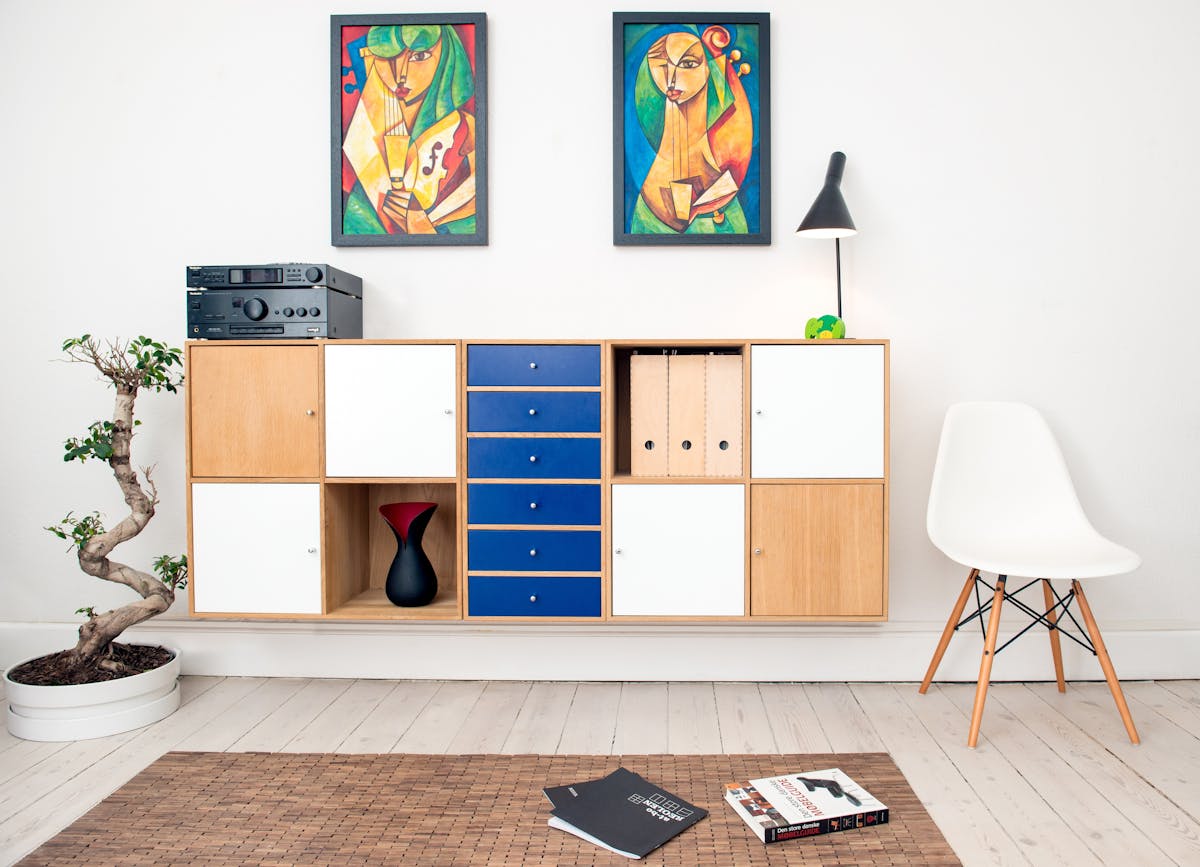
A cluttered desk is a cluttered mind. Floor-to-ceiling built-in shelving flanking a window or wrapping a corner maximizes vertical storage capacity and provides an attractive background for video calls. File drawers in the desk pedestal keep active documents accessible. A printer cabinet or credenza with concealed storage handles peripheral equipment. The goal is a desktop that contains only the items you use every single day — everything else should be in a drawer, on a shelf, or out of the room entirely.
Create an Inspiring Aesthetic
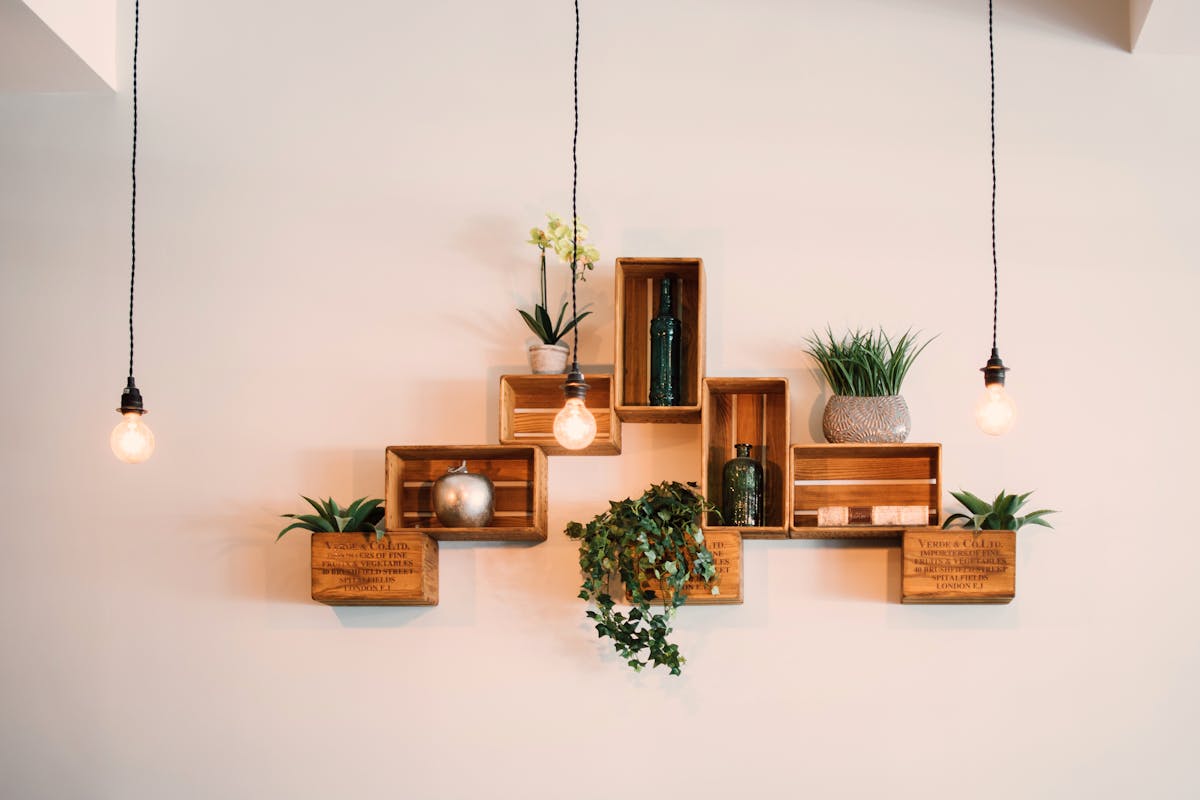
The visual environment of your office affects your mood and motivation throughout the workday. Choose a color palette that balances focus (cooler blues and grays tend to support concentration) with energy (warmer accents prevent the space from feeling sterile). Add one or two plants, which have been shown to reduce stress and slightly improve air quality. Display meaningful art or objects that remind you of your professional goals and personal values.
A properly designed home office is genuinely one of the best investments a remote or hybrid worker can make — both in professional performance and in day-to-day quality of life.